
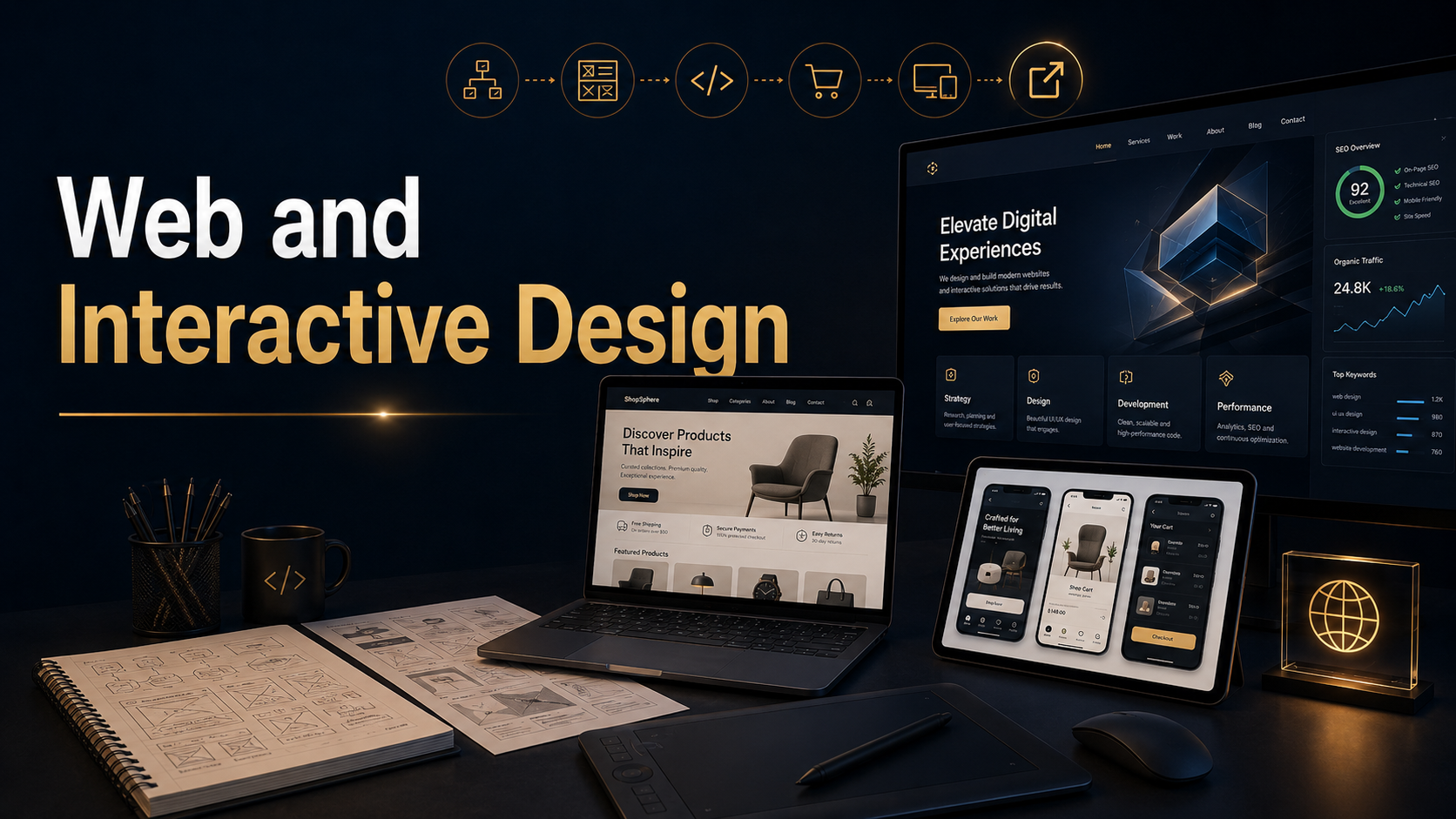
Web and interactive design coursework became a major part of my development as a multimedia communicator because it connected design, technology, content strategy, user experience, user interface, search visibility, accessibility, interactive media, and professional presentation. This section includes website projects, interactive media, digital galleries, educational web pages, website image assets, data visualization work, 3D design projects, virtual experiences, and digital storytelling projects.
My web design process began with learning how to build websites using WordPress. I started with the free WordPress site builder, then quickly moved into self-hosted website development through Bluehost, where I gained experience working with site structure, hosting, domain setup, plugins, and customization. From there, I began working with eCommerce tools through WooCommerce, which expanded the work beyond basic web pages into online shopping, product presentation, service pages, and business-focused website functionality.
This coursework also introduced the importance of SEO and discoverability. I learned how page structure, titles, headings, tags, keywords, image descriptions, navigation, and content organization help a website become easier to find in search results. These skills helped me understand that a professional website is not only a visual design project. It is also a communication system that needs to be searchable, usable, organized, and aligned with the needs of its audience.
User interface and user experience design became another important part of this work. Through projects focused on universal design principles, accessibility, compliance, navigation, layout, and interactive structure, I learned how design choices affect the way people move through information. A website needs to look professional, but it also needs to work. Good interactive design helps users understand where they are, what they can do, and where they should go next.
This section also includes the creation of digital assets used to support web and interactive design projects. I used Adobe Photoshop to create and refine website images, visual compositions, textures, and presentation graphics. I used Adobe Illustrator to create icons, vector graphics, infographics, layout elements, and 3D-related visual assets. I also used Adobe Premiere Pro to create video clips and motion-based media that could be used within websites, digital storytelling projects, and interactive presentations. These tools helped me create the supporting media needed to make web projects more complete, visual, and professionally presented.
This section also includes 3D and virtual design work. I created 3D projects using Blender and Adobe Illustrator, exploring how form, space, shape, texture, and presentation can be used in digital environments. I also experimented with Second Life as a virtual space where some of my work is showcased, giving me experience with presenting creative projects in an interactive environment beyond a traditional web page.
The projects in this section show my growth from building basic web pages to developing more complete digital experiences. They include personal website work, STEAM education pages, universal design projects, country research websites, image assets, virtual galleries, digital storytelling projects, 3D design galleries, management reports, infographics, and data visualization work. Together, these projects demonstrate the broader skill set behind professional web and interactive design: planning, structure, visual hierarchy, accessibility, SEO, media integration, content strategy, 3D presentation, virtual environments, and user-centered design.
Use the links on this page to explore the individual web design and interactive design projects. Each project shows a different part of the process, from early layout and content development to more advanced site-building, interactive presentation, virtual experiences, and professional digital communication.
Explore my progress through these links
Starship Nebula Team Steam Webpages with Universal Design Principles
My Webpage on STEAM in Education
My Universal Design Principle #1 Equitable use
College Portfolio projects
Photography
Advanced Image Editing
Digital Video
Directing & Production
Video Editing
Graphic Design
Web Design
Infographics & Data Visualization
3D Design
Digital Illustration
Digital Storytelling
Digital Portfolio
E-Book Design & Publishing
UI/UX User Interface & User Experience
Social Media Marketing
Integrated Study Honors
